
EDUCATION | PRIMARY & SECONDARY
Efficient access to classroom learning devices
for primary and secondary education.
Mobile devices play a critical role in Australian primary and secondary schools. Keep iPads, Chromebooks, and laptops charged, secured, and ready for the next class, whether devices are assigned, shared, or stored for the day.

Trusted by 15,000+ schools worldwide















ASSIGNED 1:1 DEVICES
Give students quick access to the device they need for class.
Schools running 1:1 device programs assign one bay per student. Students tap a student card or enter a PIN, collect their device, and head to first period. Devices can charge securely between uses, ready for the next student or staff member. Every access event is logged.
SHARED DEVICE POOLS
Self-serve loaning for shared device sets.
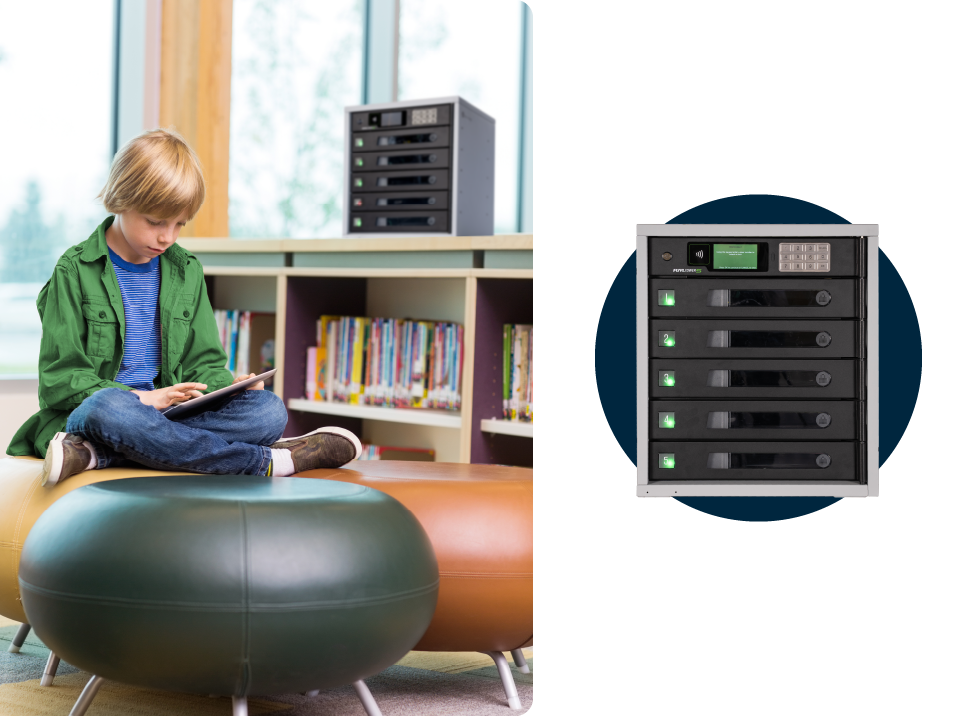
Year-group laptop banks, library iPads, and STEM Chromebook pools work as shared sets. Any authenticated student can collect a charged device, return it after class, and the next student can access one when they need it. The locker tracks who has each device and when.
BYOD DAY STORAGE
Secure storage for personal student laptops.
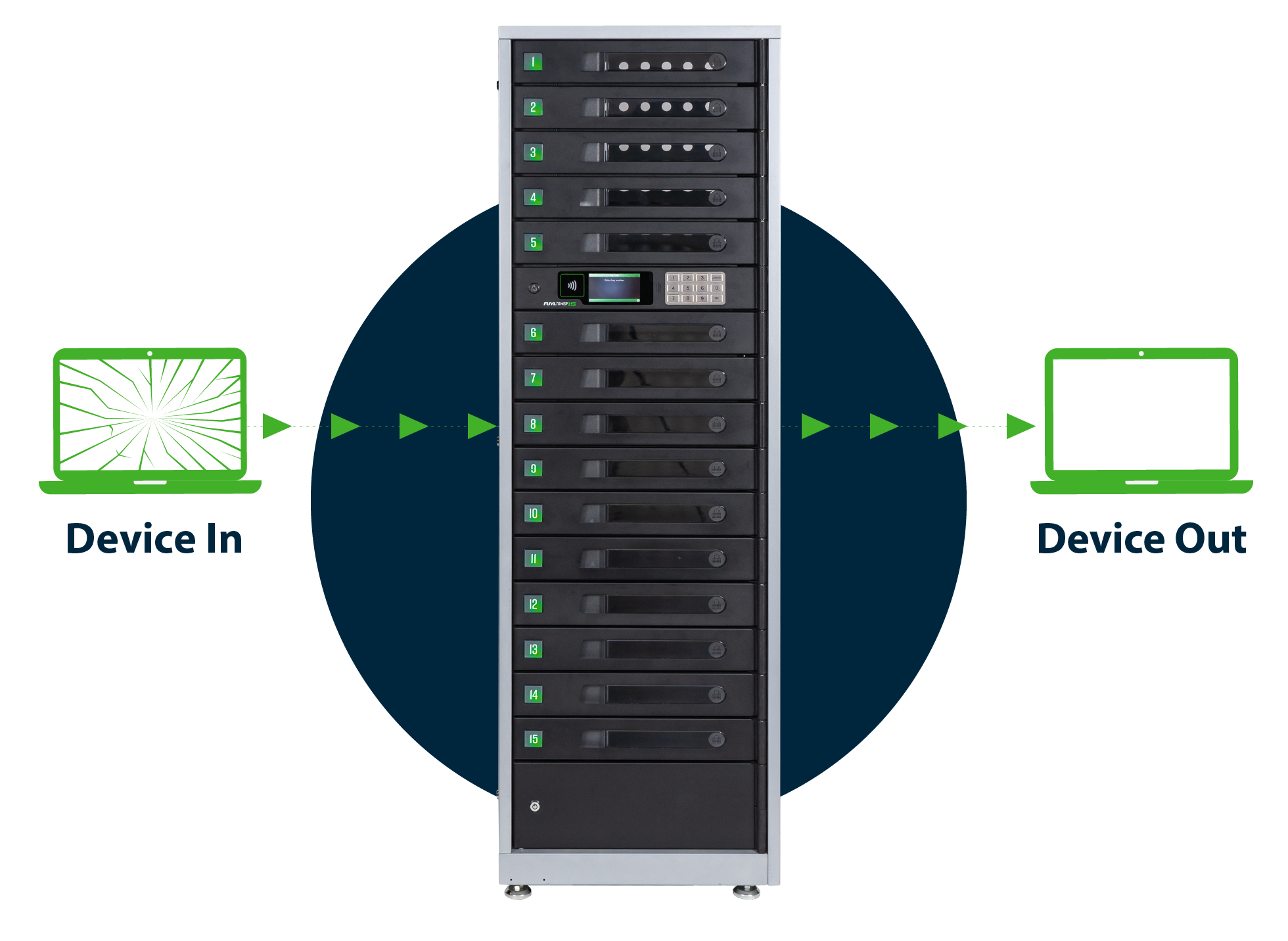
BYOD students need somewhere safe to leave a laptop during Phys Ed, recess, lunch, or classes where devices aren't needed. A FUYL locker bay opens with the student's existing card, charges over USB-C while the device sits inside, and stays locked to other users.

KEEP TRACK OF EVERY DEVICE
One system to keep track of checking in and out of every learning device.
With so many learning devices in use across the school, managing check-in and check-out can quickly become a challenge. Track device checkouts and returns in one place, so staff can see what's been borrowed, what's been returned, and what's ready for the next lesson.
BROKEN DEVICE SWAPS
Maximise device uptime in every classroom.
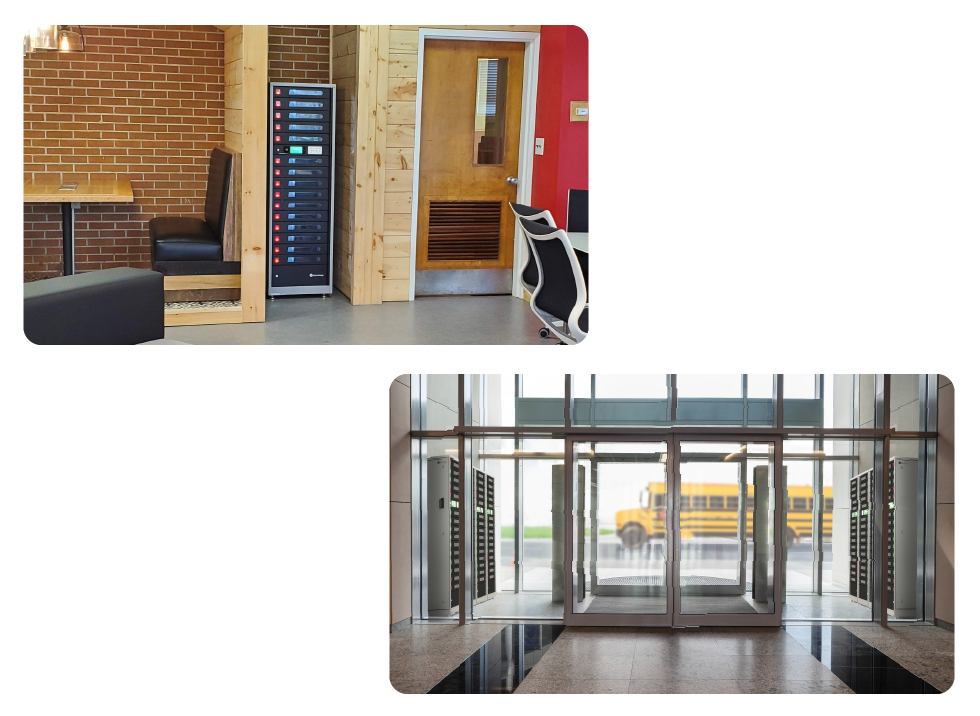
When a student's device fails, every minute spent finding a replacement cuts into learning time. A replacement device can be checked out from the locker quickly. The broken device goes back into the same locker for IT to collect at the end of the day.

Achieve Meaningful Outcomes For Hardware Management
Efficient charging trolleys, charging stations, and smart locker systems for schools improve the device management processes that stand between teachers and teaching.

Automate Device Distribution and Collection
Provide students and staff with self-serve access to devices while maintaining oversight.

Hold Device Users Accountable
Track device loans and returns to lower rates of breakage, loss, and unauthorised use.

Maximise Device Uptime
Students with a broken device get back to learning faster by checking out a replacement in minutes.

Stretch Tech Resources Further
Automate manual processes so IT teams work within budget, while freeing up time to focus on bigger projects.
High-Value Benefits for Schools

Built to last, backed by robust warranty
Steel cabinetry, tamper-resistant hinges, and fan-assisted airflow help FUYL Smart Locker Systems stand up to daily school use.
Works with your existing student cards
Student-card and PIN access works with the system the school already uses. Bays can also be opened via the FUYL Kiosk touchscreen on the locker.
Single-cable charging at every bay
USB-C charging at every bay and a tidy single-cable run. iPads, Chromebooks, and laptops all sit in the same locker.
HOW TO BUY IN AUSTRALIA
Working with Technology Resellers across Australia.
Australian schools buy from PC Locs through state Department of Education ICT panels, Catholic Education procurement, and direct quotes for independent schools. Library and STEM grants often cover smart lockers as part of a wider device programme. We will route the buyer to the right channel.
Recommended Solutions for Schools
Smart Lockers for Schools
Efficiently manage devices for assigned 1:1 access, shared device pools, BYOD storage, and broken device swaps.
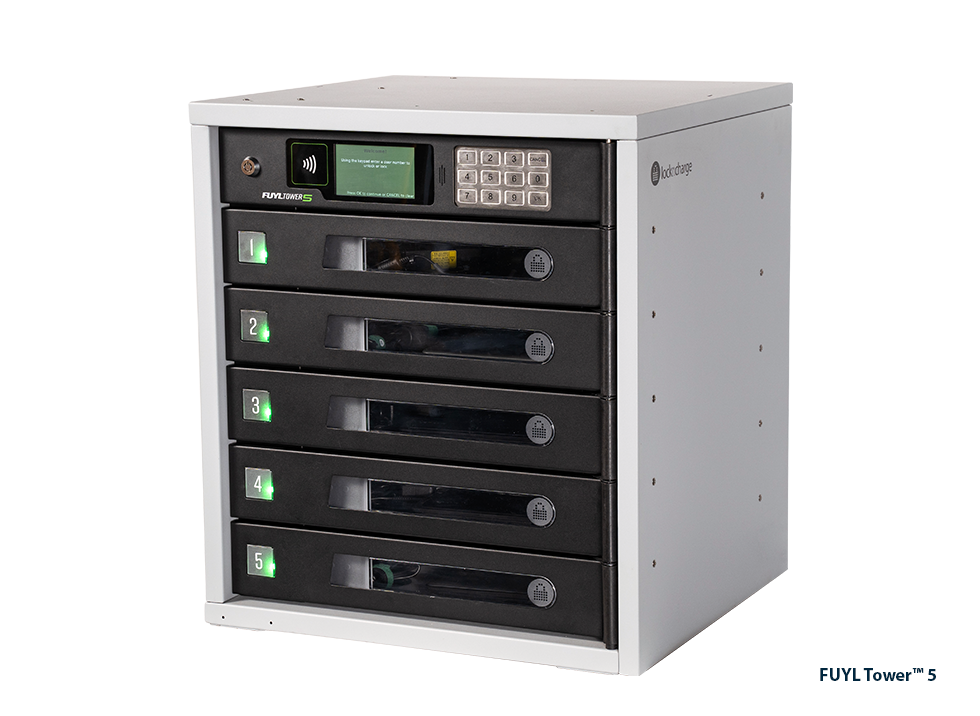
FUYL™ Tower Pro 5 Smart Locker System
A complete Smart Locker System with kiosk for efficient hardware asset management.
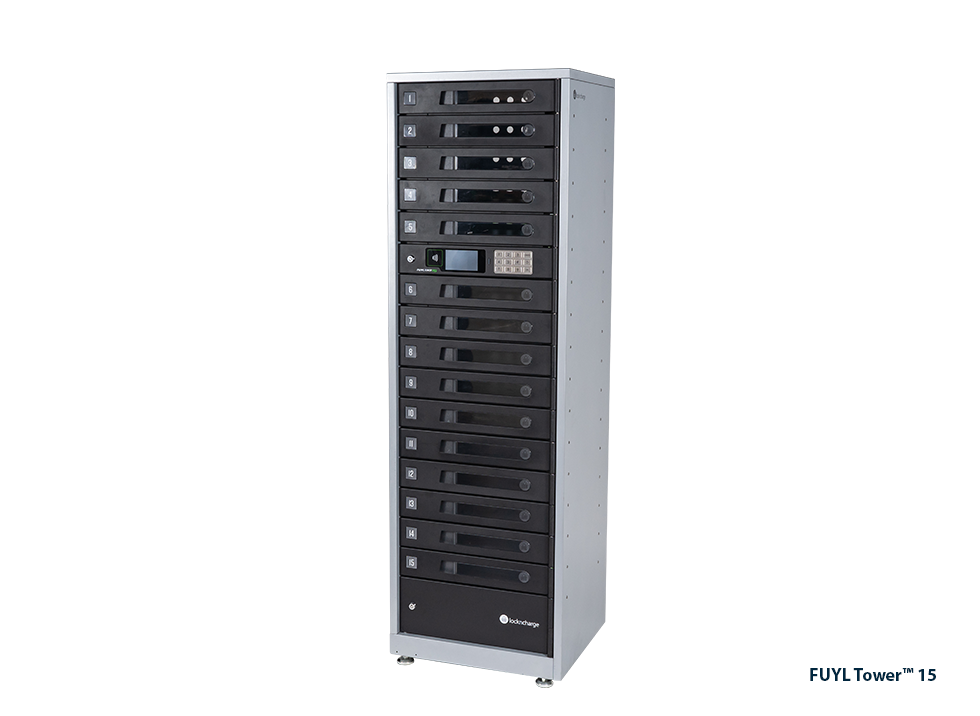
FUYL™ Tower Pro 15 Smart Locker System
A complete Smart Locker System with kiosk for efficient hardware asset management.
Charging Stations for Schools
Charge, store, and secure 5 to 40 mobile devices in compact, classroom-friendly form factors.
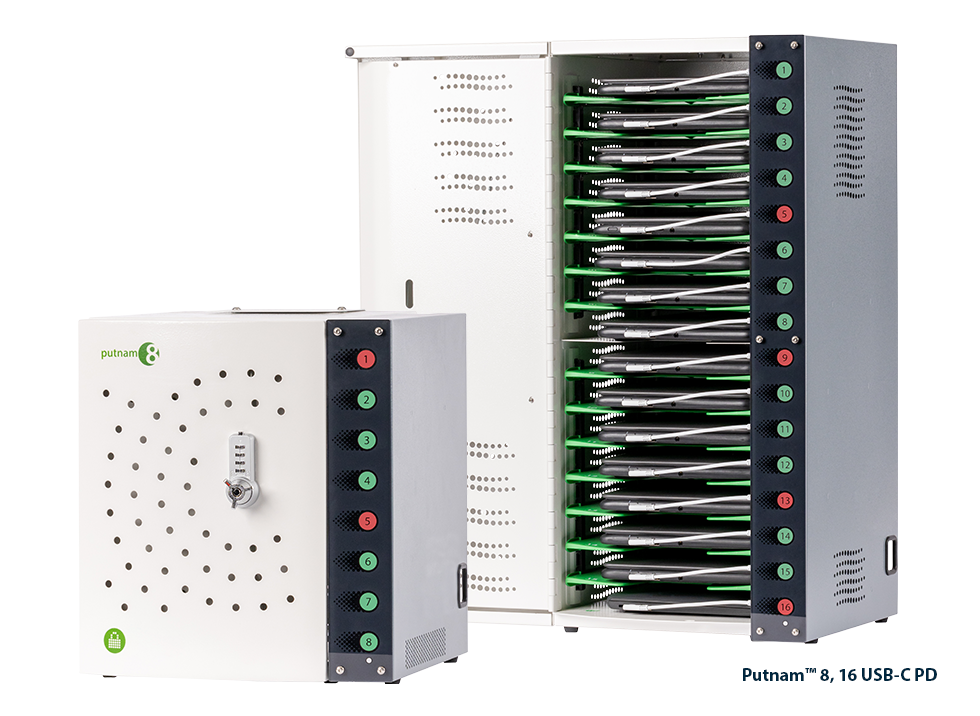
Putnam™ USB-C PD Charging Stations
Fast-charging, compact station with charging status lights. Pre-wired standard.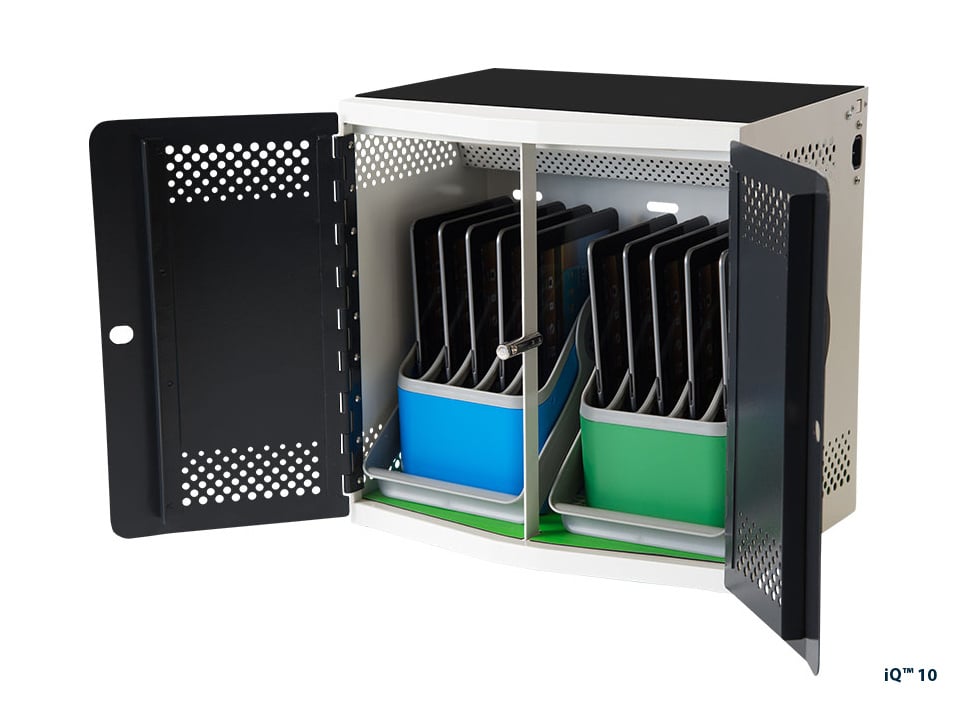
iQ™ 10 USB-C PD Charging Station
Fast-charging, compact station with baskets and racks.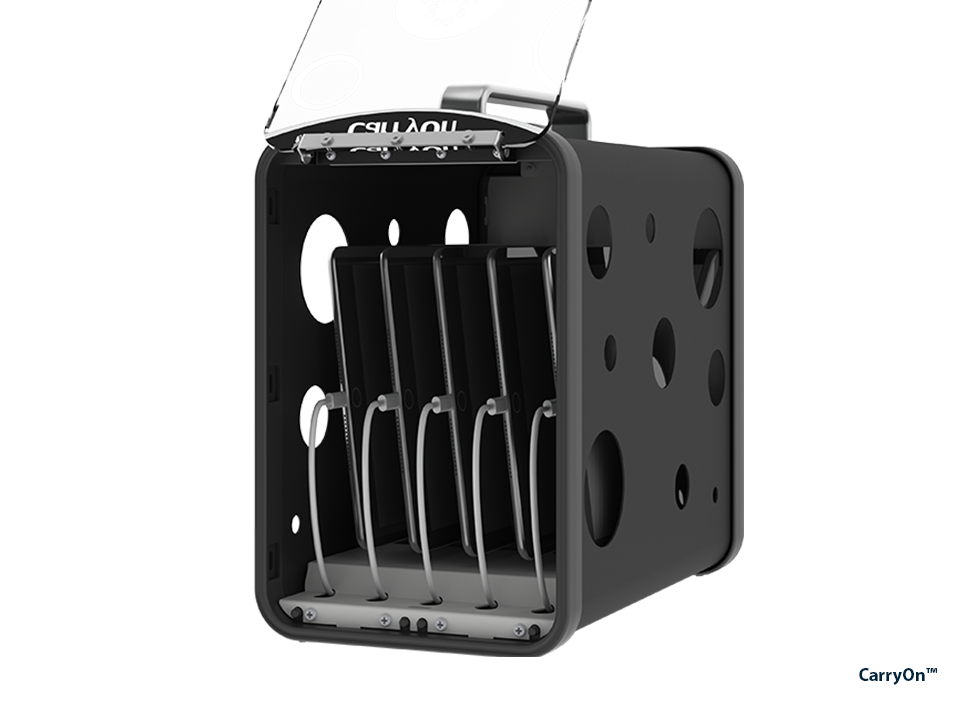
CarryOn™ USB-C PD Charging Station
Fast-charging, compact mobile station with dividers.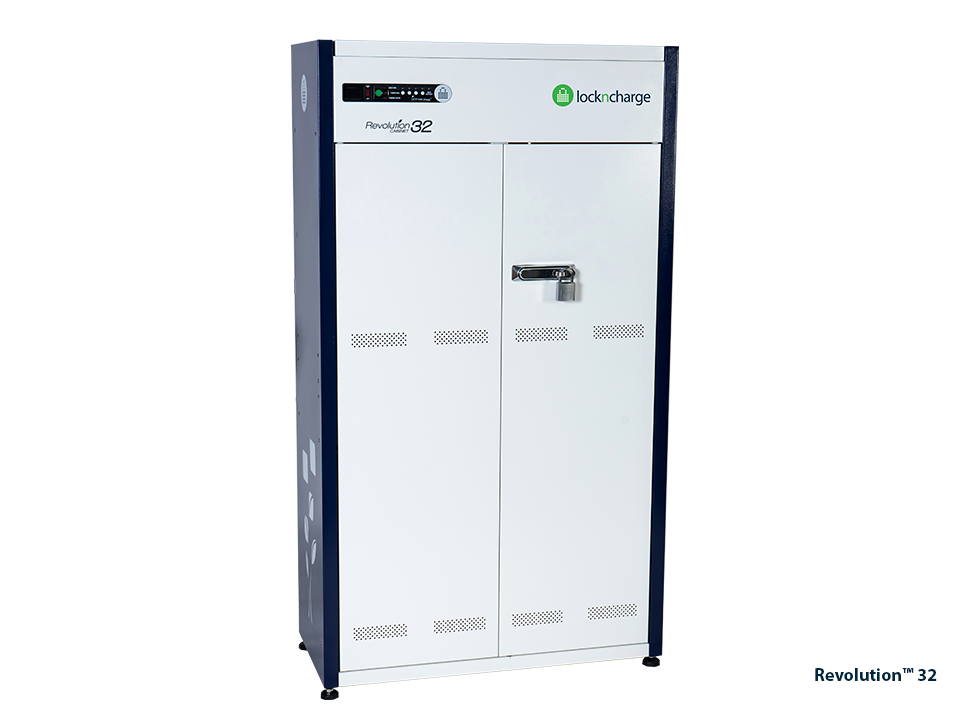
Revolution™ 32 Charging Cabinet
High-capacity, small-footprint station with racks.
Charging Trolleys for Schools
Charge, store, secure, and transport 16 to 40 mobile devices between classrooms, libraries, and STEM rooms.
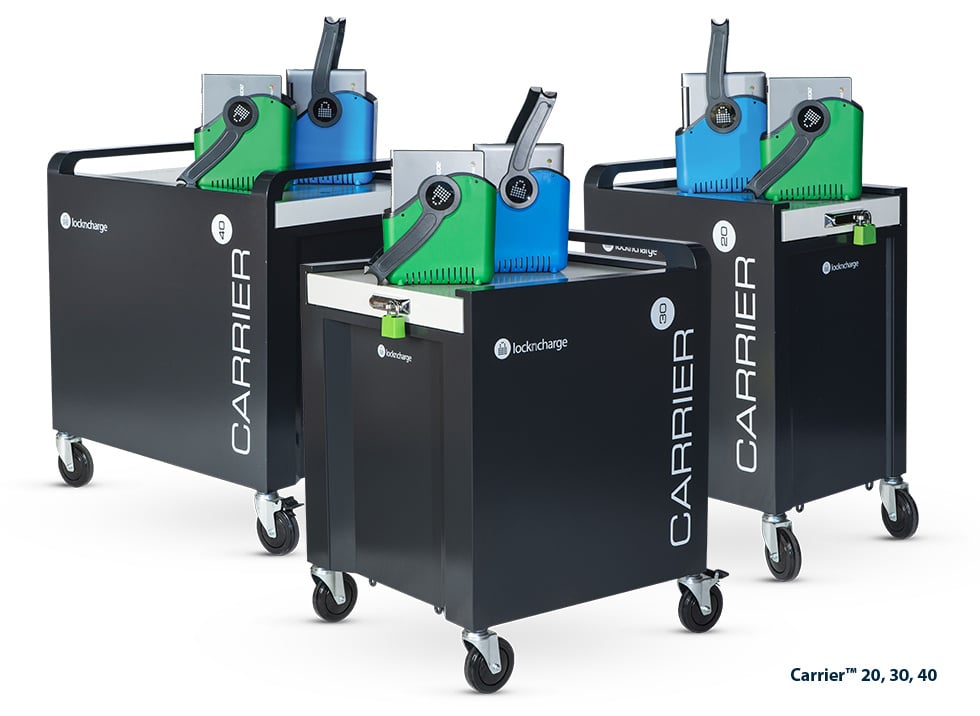
Carrier™ Charging Carts
Ultra-durable, top-loading cart with baskets or racks.
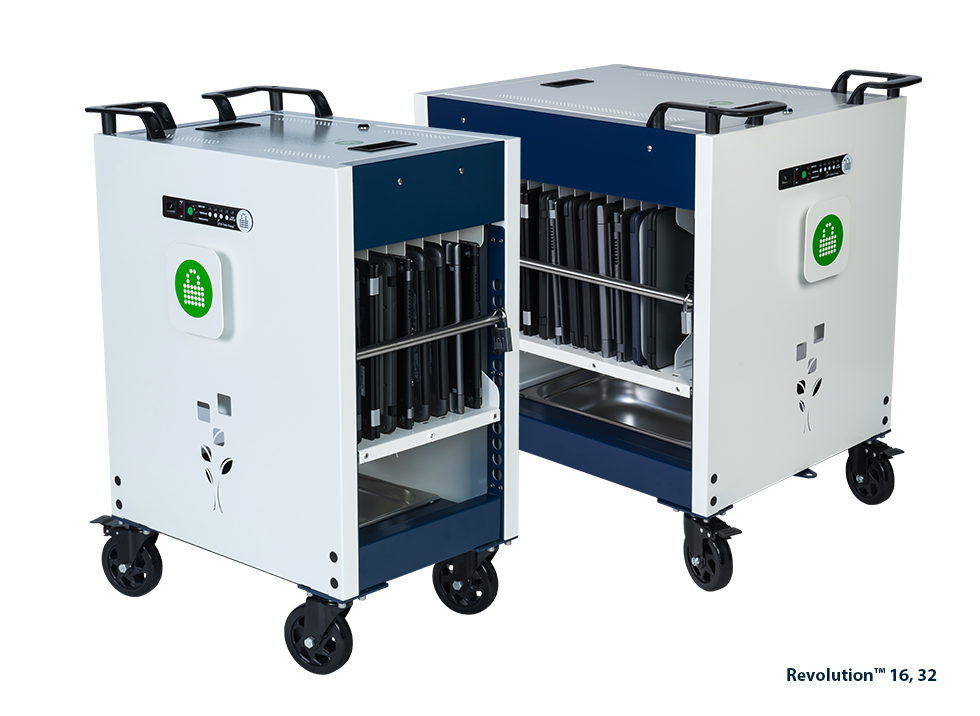
Revolution™ Charging Carts
Compact, open cart design with dividers.SAVING TIME FOR AUSTRALIAN SCHOOLS
Western Australian College Cuts Laptop Loan Time By 75%.
Kingsway Christian College has over 280 staff, and manages up to 25 loaned devices every day for relief teachers. Discover how they replaced a manual loan system with FYUL Smart Lockers, to cut down time per loan to under a minute.
Customer Stories & Other Resources
Hear the real-world experiences of our customers as they reflect on the impact our unique solutions have on improving efficiency for their organisation, and explore useful blogs, articles, and much more.

Smarter Charging, Smoother School Days: St Andrews’ Story with PC Locs
Discover how St Andrews Christian College transformed device management, reduced classroom disruptions, and enhanced its school identity using PC Locs FUYL Smart Lockers.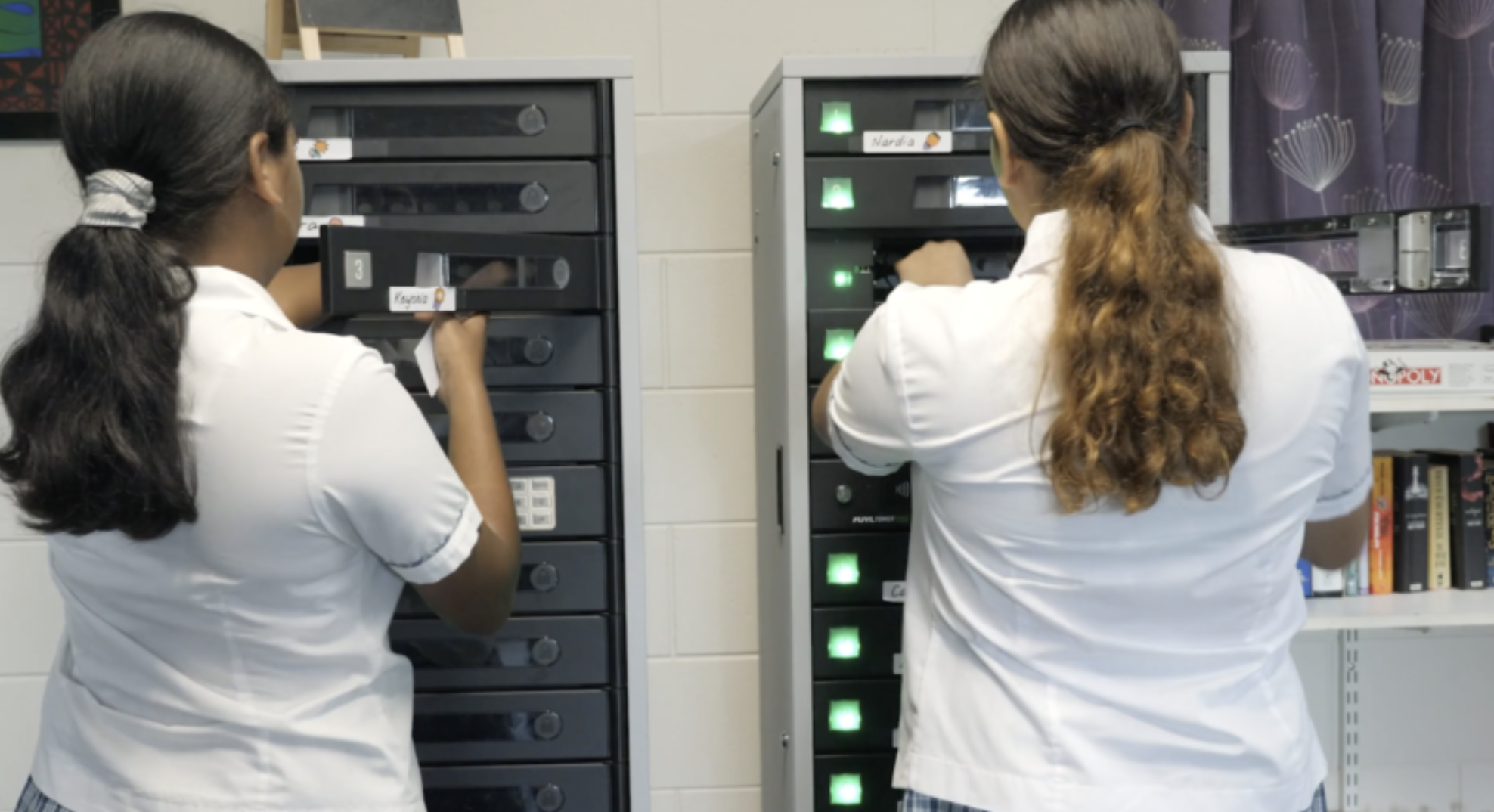
FUYL Tower Improves Device Security at Peace Lutheran College
The Head of Boarding at Peace Lutheran College explains how the FUYL Tower Smart Locker helped solve the issue of students turning up to class with uncharged devices.