Across the U.S., about 90% of schools report having enough laptops or tablets for every student, with many school systems also adding more audio-visual equipment and interactive displays. But as budgets tighten, it becomes harder to sustain 1:1 programs.
One way to keep devices visible and accounted for is to strengthen asset management practices. Schools can establish clear check-in routines, assign ownership, and track usage data. This guide outlines practical steps to build that discipline in F–12 without increasing costs.
TL;DR
- Whenever a device is issued, swapped, collected, repaired, or transferred, it must be scanned and updated in the system before the process is complete. No handoff should occur without real-time documentation.
- Keep one trusted record for each device. Student details come from the SIS, hardware data from the MDM, and repair history from the help desk, all tied to the same asset record. This reduces duplicate entries and confusion.
- Focus on reports that require action: review missing devices, overdue loan devices, repeated damage, and devices that are out of warranty but still in daily use.
- Standardise device storage and return locations, and keep devices charged between users.
What is school asset management?
School asset management is the structured process of acquiring, recording, deploying, maintaining, and retiring the physical tools that support teaching and learning. It defines how devices move through their full life cycle.
In many schools, what’s called asset management is in practice asset tracking — keeping accurate records of which devices exist and where they are.
While an asset tracking layer is essential, full asset management builds on it with policies and workflows that keep devices secure, charged, repaired, and ready for lessons across classrooms. Because one-to-one technology in schools is complex to manage, more leadership teams are now moving beyond basic asset tracking.
Here is how asset tracking and asset management compare.
|
Aspect |
Asset tracking (foundation) |
Asset management (built on tracking) |
|
Primary focus |
Accurate inventory and locations |
Life cycle, readiness, utilisation, and risk |
|
Typical approach |
Spreadsheets, databases, barcode/RFID systems |
Policies, workflows, integrated tools, and smart storage/charging |
|
Core question |
“What do we have, and where is it?” |
“Are assets available, secure, and ready for lessons when needed?” |
Why school asset tracking is essential
Asset tracking for education underpins daily operations across:
- Tracking student laptops and tablets, plus loan devices and spares in 1:1 device programs
- Knowing which devices are where when learning moves between home and school in hybrid learning
- Assigning devices to owners, logging check-outs, and returns
- Evidencing use of grant-funded and capital assets
- Proving ownership, condition, and loss events across the school system for insurance and audits
Types of assets schools must track
Schools manage a broad asset mix, from student devices to specialist equipment, that must be visible in one system to support teaching, compliance, and budgeting.
|
Education asset tracking category |
Examples of assets schools track |
|
Сlassroom asset tracking |
|
|
School equipment tracking |
|
|
Digital asset tracking in education |
|
Asset tracking in education: Use cases
Most school systems now combine their SIS, MDM, and dedicated asset platforms to manage devices across the full life cycle. Tools such as Incident IQ, One to One Plus, Freshservice, or Asset Tiger link inventory records with tickets, check-ins, and reports for F–12 environments.
Device workflows typically follow the same backbone: a device is scanned, the system updates its record, reports reflect the change, and IT or leadership makes decisions based on that data.
What differs is the operational pressure point in each scenario and the processes required to address it.
1:1 device programs
In a 1:1 model, the focal point is long-term accountability for students. Each device is assigned to a named learner and tied to SIS and MDM data. This creates a continuous ownership record.
Over time, breakage trends by year level, cohort, or model inform purchasing decisions, case policies, and refresh cycles. Clear records also support conversations with families and leadership.
Loan Device programs
Loan device programs focus on temporary custody and rapid turnover. Devices move quickly between students, so accurate check-out and check-in timestamps and due dates matter. The priority is to keep spares available and prevent quiet losses or repeated misuse.
Seasonal device collection
Year-end collection compresses thousands of returns into days. The focus is on condition control. Scanning each unit back into inventory reveals missing chargers, damage patterns, and realistic counts of usable devices before the new term begins. This data shapes repair plans and summer purchasing.
Multi-campus school system tracking
For school system with multiple sites, the pressure point is inventory balance across campuses. Tracking home location versus current location prevents duplicate purchases and enables central IT to reallocate carts and devices when enrolment or program demand shifts.
Repair and warranty monitoring
Here, the focus shifts to cost control and life cycle thresholds. Linking tickets to asset records shows which models have repeated failures, which devices remain under warranty, and when replacement is more economical than repair.
Best practices for effective education asset management
Effective IT asset management for schools depends on a small set of capabilities: reliable identification, a single inventory record, accurate location data, consistent hardware asset management life cycle, and reporting that informs budget and refresh decisions.
Most schools can implement these capabilities using the systems they already rely on — MDM for device data, the SIS for student identity, and a help desk platform for service history.
Asset tagging and identification
Make every device scannable and clearly identified within the systems you already use:
- Use one ID convention that matches how SIS and MDM name users and devices.
- Apply durable barcode or QR labels in positions where cases and carts do not block scans.
- Add clear visual cues (campus, year-level band, funding code) to reduce misrouting.
- Use RFID only for high-value sets that move frequently and require faster inventory counts.
Centralised inventory system
Use one asset platform as the system of record, with MDM and SIS feeding it:
- Store asset ID, model, purchase date, funding source, owner, site, and status in each record.
- Sync user identity from SIS and device details from MDM.
- Link help desk tickets to the asset record so service history remains searchable and reportable.
Location and custody visibility
Aim for reliable custody and storage visibility:
- Track owning campus and current custodian (student or staff) as your baseline.
- Track storage points that are operationally meaningful, such as cart ID, room, or repair shelf.
- Require a scan for transfers between carts, rooms, or campuses to maintain accurate counts.
- Use smart lockers when you need automated, enforceable check-in and check-out records.
Additional reading: Can smart lockers be managed remotely? Discover what IT teams need to know.
Life cycle tracking and refresh planning
Use simple life cycle fields that IT and finance can both act on:
- Use a defined set of statuses (active, loan device, in repair, surplus, retired) and retain status history.
- Flag end-of-life cohorts based on age and incident rate, not just age.
It is critical to verify that any model on the refresh shortlist will remain eligible for manufacturer and OS updates for the years you plan to keep it. As COVID-era funding is exhausted, nearly 88% of school systems lack funding to refresh 1:1 devices.
Budget constraints often push schools to extend device lifetimes or purchase used hardware. However, older models can reach end-of-support quickly, which creates security and compatibility risks long before physical failure.
Additional reading: Explore our guide to device life cycle management in education to plan cohorts, verify long-term OS support, and retire devices securely.
Reporting and budget forecasting
Use consistent reporting to justify budgeting decisions:
- Track breakage by model, year-level, and site, along with overdue loan devices and tickets per device.
- Report warranty exposure and out-of-warranty devices still in daily circulation.
- Use these reports to guide refresh timing, spare pool sizing, and device protection strategies across the school systems.
Asset management vs asset tracking software
In practice, the lines often blur. Platforms such as Incident IQ and Freshservice operate at the intersection of ticketing and IT asset management. Inventory-led systems like Wasp AssetCloud or Asset Tiger emphasise barcode-based tracking and often integrate with smart lockers and MDM. This integration makes smart locker benefits easier to realise when a school already uses lockers or plans to adopt them.
Schools typically evaluate tools against a few concrete criteria:
- Compliance and audit obligations tied to grants, insurance, and reporting
- Fleet size, number of campuses, and staff capacity to manage devices
- Required integrations with SIS, Google Admin, MDM, and smart locker workflows
Most schools systems combine asset tracking for day-to-day visibility with asset management capabilities that support budgeting and life cycle planning.
Additional reading: Looking beyond F–12? Explore the best software tools for asset management in higher education.
Common challenges in school asset management
Even with dedicated platforms, school technology inventory management often falls short in daily practice. High device volumes, constant student use, and limited IT capacity can erode asset visibility in schools and reduce control over the fleet. Small gaps in the process quickly compound across campuses.
Common challenges in F–12 asset management include:
- Lost devices and accessories that drop out of circulation despite being “assigned” in the system
- Inaccurate asset records when devices are not scanned during moves, swaps, or repairs, which leads staff to question the data
- Informal notes, ad hoc lists, and verbal handoffs
- Poor coordination between IT, school leaders, and finance, where each relies on a different view of the same assets
- Limited reporting that obscures breakage patterns, loan device demand, or life cycle costs until they affect budgets
Device infrastructure as a strategic asset management lever
When thousands of laptops move on carts and across counters, each manual exchange adds cost, risk, and noise to the asset data leadership relies on.
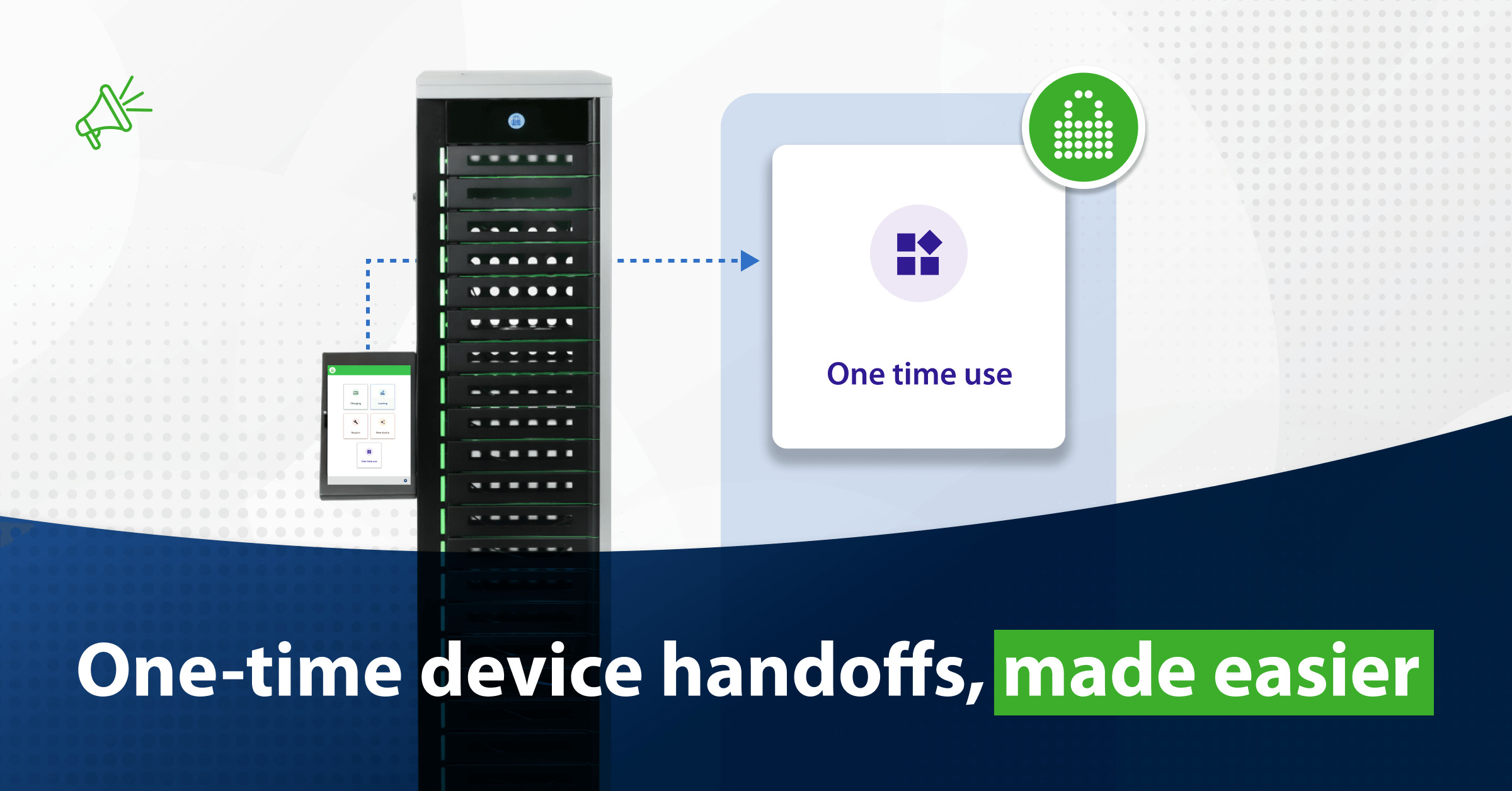
Smart device lockers convert that physical layer into a standardised smart locker system that the school system can scale. With 25+ years in education and 15,000+ school customers, PC Locs offers the FUYL Smart Locker System built specifically for K–12 fleets:
- Designed for everyday school use. Robust, ventilated compartments protect devices in classrooms, libraries, and administrative spaces.
- Configurable capacity. Different locker sizes ranging from 5 to 23 bays allow schools to match each unit to enrolment, fleet size, and available floor space.
- Self-directed device access. On-screen prompts guide students to pick up, return, or report an issue independently, which reduces pressure on front-office and IT staff.
- Policy-based workflows. Locker rules reflect the school systems policies for charging, short- and long-term loans, repairs, and testing devices.
- Student-friendly authentication. QR codes and ID cards support fast, secure access that aligns with daily student routines.
- Integrated with IT systems. Connections to SIS, service desk tools, and asset platforms such as Incident IQ keep user, ticket, and device records aligned.
- Sustained operational support. Implementation assistance, training, and ongoing success management help school systems maintain and scale deployments.
School systems using FUYL Smart Lockers save up to 360 IT hours and reclaim more than 200 teaching hours each year.
Request a personalised demo to see how FUYL Smart Lockers can strengthen your school’s asset management strategy.
Key takeaways
- School asset management extends beyond inventory to oversee the full life cycle of devices across 1:1, loan device, and shared fleets.
- Structured assignment, repair, collection, and reporting create actionable data for budgeting, compliance, and refresh planning.
- Smart lockers elevate infrastructure to a strategic function by automating handoffs, reducing manual effort, and strengthening control over student devices.
FAQ
What is education asset tracking management?
Asset management in schools is the structured process of planning, acquiring, recording, assigning, maintaining, securing, and retiring devices and equipment that support teaching and operations.
How do schools track assets?
Schools tag items with barcodes or QR codes and record assignments, locations, and status in a centralised system that integrates with SIS, MDM, and service platforms.
What is the best asset tracking software for schools?
There is no single best tool. School systems often select platforms such as Incident IQ, Freshservice, Asset Tiger, or Wasp AssetCloud based on fleet size, budget, reporting needs, and required integrations.
Why is asset tracking important in education?
It reduces loss and downtime, strengthens 1:1 accountability, and provides reliable data for audits, funding oversight, and refresh planning.
What assets should schools track?
Schools should track student and staff devices, charging and storage hardware, AV systems, lab equipment, musical instruments, sports gear, and other high-value or grant-funded assets.
Author