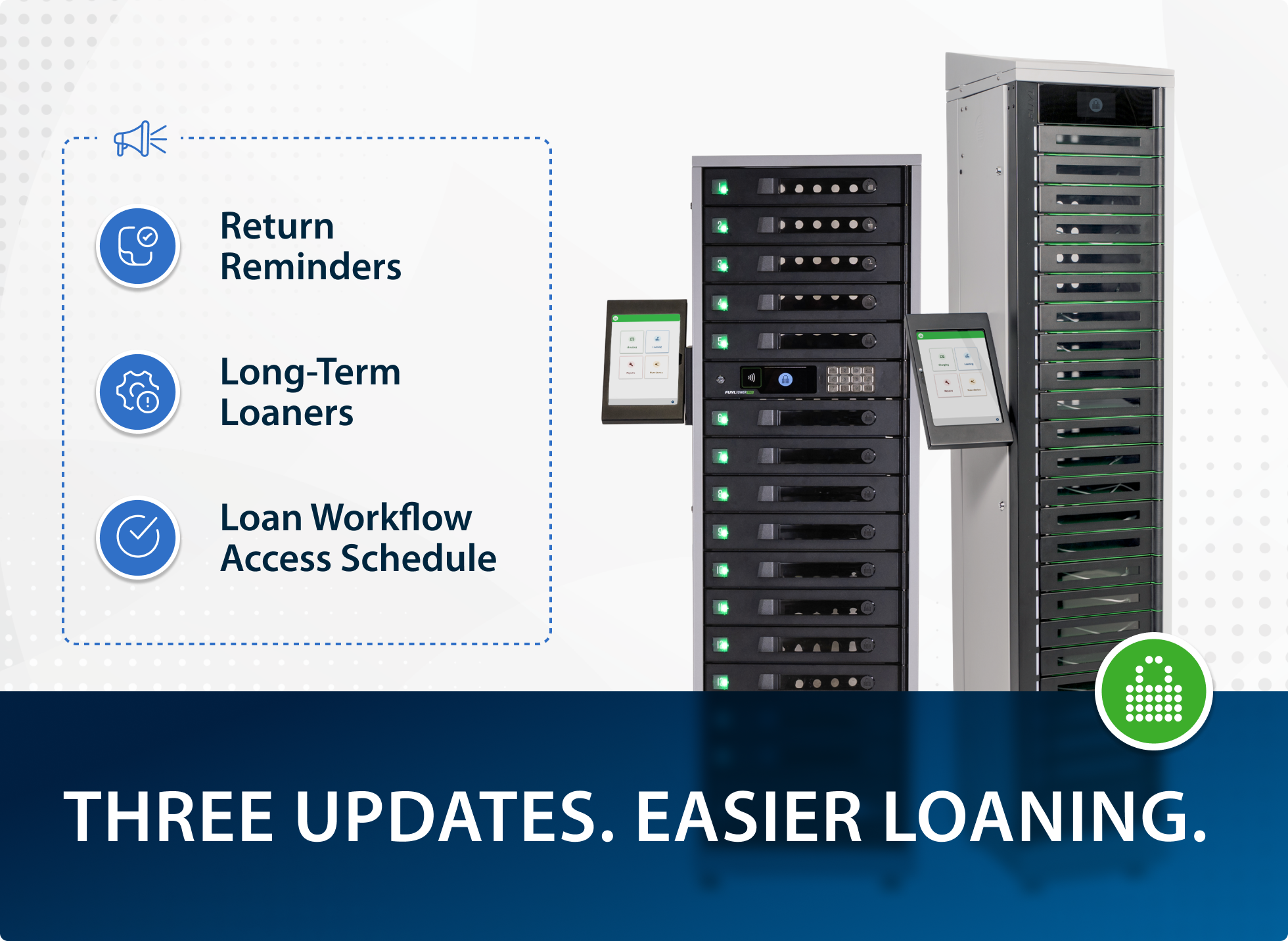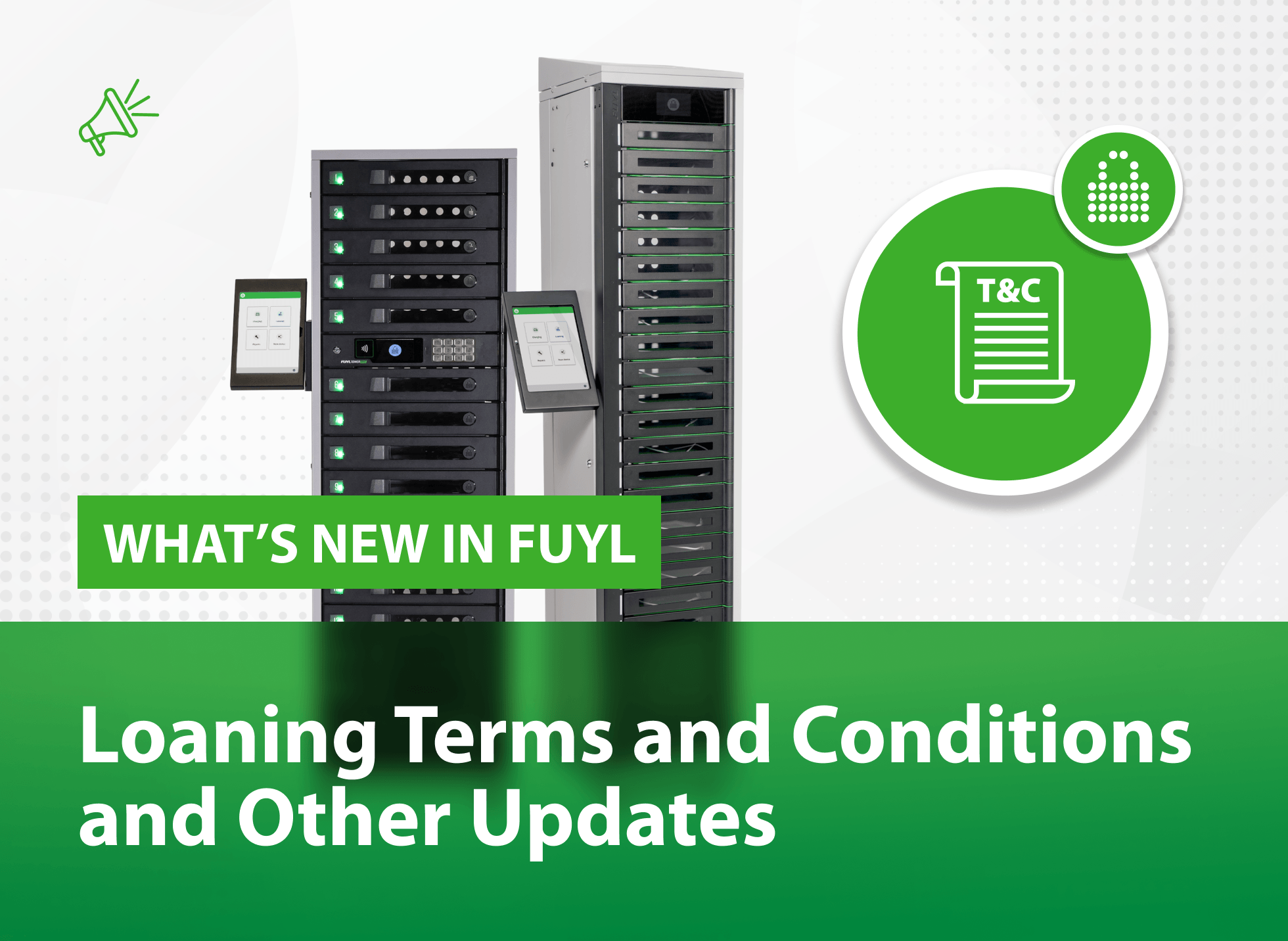
The weakest link in device return isn't the shipping label. It's the handoff.
Most organisations have a device return policy. Far fewer have a device return process — and that gap is where laptops go missing, condition disputes get ugly, and IT teams spend hours chasing equipment that should have been back on the shelf weeks ago.
This guide covers what a complete device return process actually looks like, where most organisations fall short, and how to close the gap between "policy on paper" and what happens in the real world.
Quick answer: What are device return process best practices?
A strong device return process has five components: a written policy communicated at onboarding; a defined trigger that automatically kicks off the return workflow; a standardised physical handoff that creates an accountable, timestamped record; automated logging and IT notification at the moment of return; and a downstream processing workflow for wiping, assessing, and redeploying the device.
The most overlooked step is the physical handoff — the moment a device actually changes hands — which most organisations leave unstructured, undocumented, and entirely dependent on IT staff being present.
By the numbers: Why this problem is bigger than you think
The scale of the device return problem is consistently underestimated. According to Capterra's Employee Offboarding Survey, 71% of HR professionals have seen at least one departing employee fail to return company equipment.
Each unreturned device costs an organisation around $1,963 in hardware alone — and that's before factoring in data security exposure, lost redeployment value, and IT time spent chasing returns.
Without a structured return system, the average company recovers only around 45% of flagged devices, and typically waits two weeks or more to get them back.
At the same time, 41% of companies fail to retrieve all company-owned devices during offboarding, and 37% of remote employees face specific challenges returning equipment.
These aren't edge cases. They're the norm. And they're almost entirely preventable with the right process in place.
Why most device return processes fail
Here's the uncomfortable truth: most device return problems don't happen in the post. They happen in the moment someone hands a device back.
An employee drops a laptop at the IT desk. There's no one there. They leave it on the counter. IT finds it an hour later with no record of who returned it, what condition it was in, or when it arrived. Sound familiar?
Common failure points include:
- No standardised handoff — returns happen wherever is convenient, not wherever is accountable
- No condition capture — damage disputes arise because nobody documented the device's state at the point of return
- IT desk dependency — returns can only happen when a staff member is present, creating backlogs and out-of-hours dead zones
- No automated notification — IT learns a device has been returned when they physically find it, not in real time
- No audit trail — if a device goes missing between handoff and processing, there's no timestamp, no identity record, nothing
The five stages of a complete device return process
The fastest way to reduce lost devices is to treat returns like a system, not an event. These five stages cover the full lifecycle from policy to redeployment.
Stage 1: Policy
Every return process starts with a clear, written policy. It should define what triggers a return, the timeframe for compliance, who's responsible, and what happens if a device isn't returned. Critically, this policy needs to be communicated at onboarding — not just at offboarding. Employees who know the expectation from day one return devices faster and in better condition.
Stage 2: Trigger
A trigger is the event that initiates a return. Common triggers include employee departure, role change, shift end, loan expiry, or device upgrade. The trigger should automatically kick off a notification to the employee and a task for IT. If your trigger process is manual — someone remembering to send an email — it will leak. Automate it.
Stage 3: The physical handoff
This is the most overlooked stage in every device return process, and it's where PC Locs's FUYL smart lockers change everything. We'll cover this in detail below.
Stage 4: Logging and notification
The moment a device is returned, three things should happen automatically: the return should be timestamped, the device and user identity should be recorded, and IT should be notified. If any of these require manual action, you've introduced a point of failure.
Stage 5: Downstream processing
A returned device isn't done — it needs to be wiped, assessed, repaired if necessary, and redeployed or retired. This stage should have a defined workflow, not an inbox. Smart locker systems that integrate with your ITSM platform can trigger downstream tickets automatically the moment a device is returned, cutting processing time significantly.
Remote vs. on-site returns: Different problems, different solutions
|
|
Remote returns |
On-site / hybrid returns |
Smart locker returns |
|
Primary challenge |
Logistics — getting the device physically back |
Process — no structured handoff exists |
Solved — self-serve, 24/7 |
|
Condition documentation |
Relies on employee honesty |
Often none at point of return |
Captured automatically |
|
IT staff required |
No, but coordination is high |
Yes — or devices pile up |
No |
|
Audit trail |
Shipping tracking only |
Rarely exists |
Full identity + timestamp log |
|
Out-of-hours returns |
Possible via shipping |
Not possible without staff |
Always available |
|
Device charging on return |
No |
No |
Yes — charges immediately |
|
Best for |
Fully remote employees |
Hybrid, shift-based, deskless workers |
Any on-site or hybrid environment |
Most content about device returns focuses on remote employees — and for good reason. Getting a device back from someone working on the other side of the country takes real coordination: postage labels, packing kits, tracking, and an MDM remote wipe. But remote returns are only part of the picture.
For hybrid workers, shift-based employees, deskless teams, and anyone who works on-site at least some of the time, the challenge is fundamentally different. The device is physically in the building. The problem isn't logistics — it's process. And that's where smart lockers solve a problem that shipping boxes simply can't touch.
The physical handoff: The most overlooked step in device returns
Think about what should happen when an employee physically returns a device:
- Their identity is verified.
- The device is logged against their name.
- A timestamp is recorded.
- The device is secured immediately — not left on a counter.
- IT is notified in real time.
- The device begins charging so it's ready for redeployment.
Now think about what actually happens in most organisations. An employee walks up to an IT desk. No one's there. They leave the laptop. Maybe they send a Slack message. Maybe they don't.
There's a smarter way — and it starts with rethinking the handoff itself.
How smart lockers solve the on-site device return problem
A FUYL smart locker from PC Locs turns the physical handoff from an informal, undocumented moment into a structured, auditable event — without requiring IT staff to be present.
Here's what a smart locker-powered return looks like:
An employee approaches the locker at the end of their shift. They authenticate — via PIN, badge, or the PC Locs app. An available bay opens. They place the device inside. The locker bay closes, the return is timestamped, logged against the employee's identity, and an automated notification goes to IT. The device begins charging immediately.
That's it. No queues. No counter drop-offs. No missing devices.
The benefits go beyond convenience:
- 24/7 availability. Device returns shouldn't depend on IT office hours. Smart lockers work around the clock, which matters enormously for shift-based workplaces in healthcare, manufacturing, education, and beyond.
- A complete audit trail. Every return is logged with identity, timestamp, and bay number. If a device goes missing after return, there's a record. If a condition dispute arises, there's a starting point. This is what holding device users accountable actually looks like in practice.
- Automated IT notification. IT knows a device has been returned the moment it happens — not when someone happens to walk past the desk. When your lockers are integrated with your ITSM system, that notification can trigger a processing ticket automatically.
- Devices return ready, not dead. Returned devices charge in the locker, so by the time IT processes them, they're at full battery. That's a small thing that adds up fast when you're processing dozens of devices a week.
- Reduced IT burden. Every return that goes through a smart locker is a return that didn't require staff involvement. That time compounds — stretching your tech resources further without adding headcount.
Device return policy template
A solid device return policy doesn't need to be long. It needs to be clear. Here's a framework you can adapt:
| Scope | All company-owned devices including laptops, tablets, smartphones, and peripherals. |
| Trigger events | Employment termination, role change, extended leave, device upgrade, or end of loan period. |
| Return timeline | Devices must be returned within [X] business days of the trigger event. |
| Return method | Devices should be returned via [designated smart locker / IT desk / prepaid shipping label for remote employees]. All returns must be logged. |
| Condition expectations | Devices should be returned in the condition they were issued, accounting for normal wear. Damage beyond normal wear may result in recovery of repair costs per the employee agreement. |
| Consequences for non-return | Unreturned devices will be reported after [X] days and may be subject to remote lock, wipe, or cost recovery. |
| Questions | Contact [IT contact / helpdesk link]. |
Keep this policy in your employee handbook, your offboarding checklist, and your ITSM system. And make sure employees see it at onboarding, not just when they're walking out the door.
Key metrics to track
If you can't measure your device return process, you can't improve it. Track these:
- Return rate — what percentage of devices flagged for return actually come back, and within the required timeframe.
- Average return time — days between trigger event and device arriving back in IT's hands.
- Processing time — once a device is returned, how long before it's cleared, assessed, and available for redeployment.
- Condition dispute rate — how often do condition disagreements arise? A spike here signals a gap in handoff documentation.
- Unreturned device rate — devices not returned after 30, 60, 90 days; these need active follow-up and carry a direct hardware cost of around $1,963 per device.
Smart lockers that integrate with your device management platform make most of these metrics available automatically, without building custom reports from scratch.
FAQs
What is the best way to collect devices from departing employees?
The most effective approach combines a clear written policy (communicated at onboarding, not just offboarding), an automated trigger tied to your HR system, and a structured physical handoff method. For on-site and hybrid employees, self-service smart lockers eliminate the need for IT staff to be present at the moment of return, while creating a full audit trail automatically. For fully remote employees, prepaid return shipping kits with automated reminders tend to achieve the highest compliance rates.
How do I handle device returns from on-site or hybrid employees?
On-site returns are best handled through a designated, staffed collection point or — more reliably — through self-service smart lockers that authenticate the employee, log the return, notify IT instantly, and charge the device while it waits for processing. Without a structured handoff method, on-site returns typically rely on informal counter drop-offs, which leave no audit trail and create significant condition dispute risk.
What happens if an employee doesn't return a device?
Start with automated reminders tied to your ITSM or HR platform. If the device remains unreturned after a defined period, escalation steps should include remote lock via MDM, formal written request, potential salary deduction (subject to local employment law and a pre-existing contractual clause), and in serious cases, legal action. The average unreturned device costs an organisation around $1,963 in hardware value alone, before accounting for security risk and redeployment loss.
How long should the device return process take?
Best practice is to have a device physically returned and logged within one to three business days of the trigger event — and processed (wiped, assessed, redeployment-ready) within five to seven business days of return. Without a structured system, the average return takes roughly two weeks, and approximately 55% of devices flagged for return under unmanaged processes are never recovered at all.
What is a smart locker and how does it help with device returns?
A smart locker is a software and hardware-integrated secure storage system that enables authenticated, self-serve device handoffs with a complete digital audit trail. In the context of device returns, smart lockers allow employees to return devices at any time — without IT staff present — while automatically logging the return, notifying IT, and charging the device for redeployment. PC Locs's FUYL Smart Locker is designed specifically for this use case across enterprise, education, healthcare, and shift-based environments.
What should a device return policy include?
At minimum: scope (which devices are covered), defined trigger events, a return timeline with specific deadlines, an approved return method, condition expectations, and clearly
Author